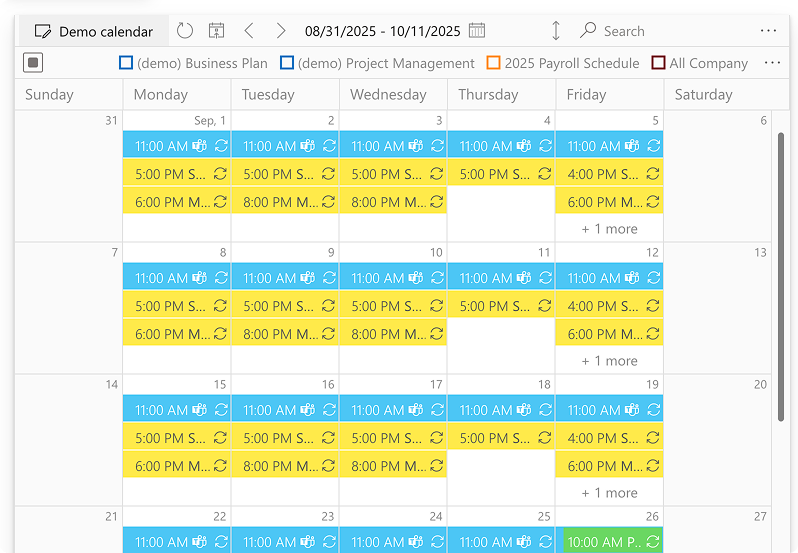
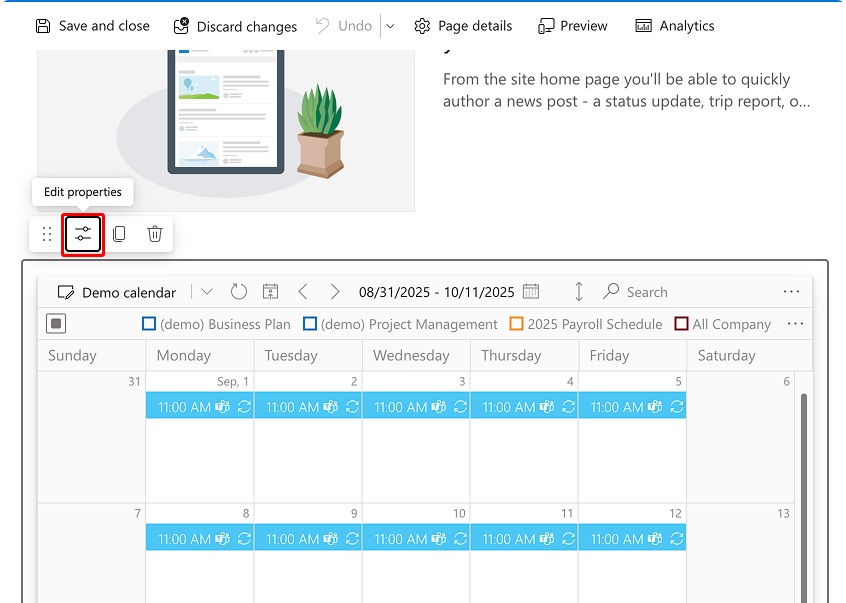
When you have added Virto Calendar App to a SharePoint site page, you can switch between the available calendars using the calendar selector. Sometimes, however, you may need to choose a single calendar to show on the page. In this case, switch to edit mode and click the “Edit properties” icon.
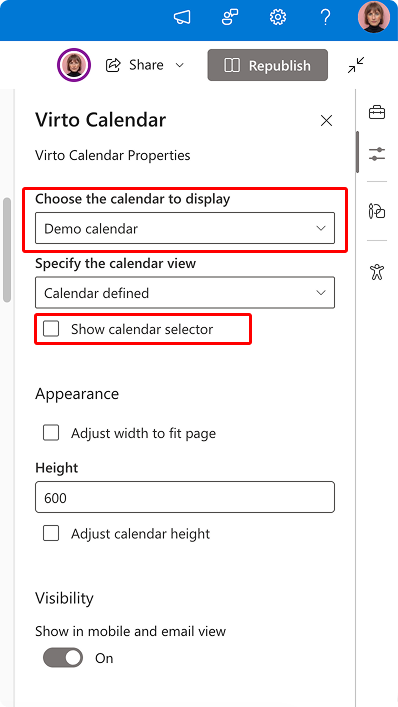
In the web part settings, choose the default calendar you wish to show and uncheck the “Show calendar selector” option. Republish the page.
Now, only the chosen calendar will appear on this page.