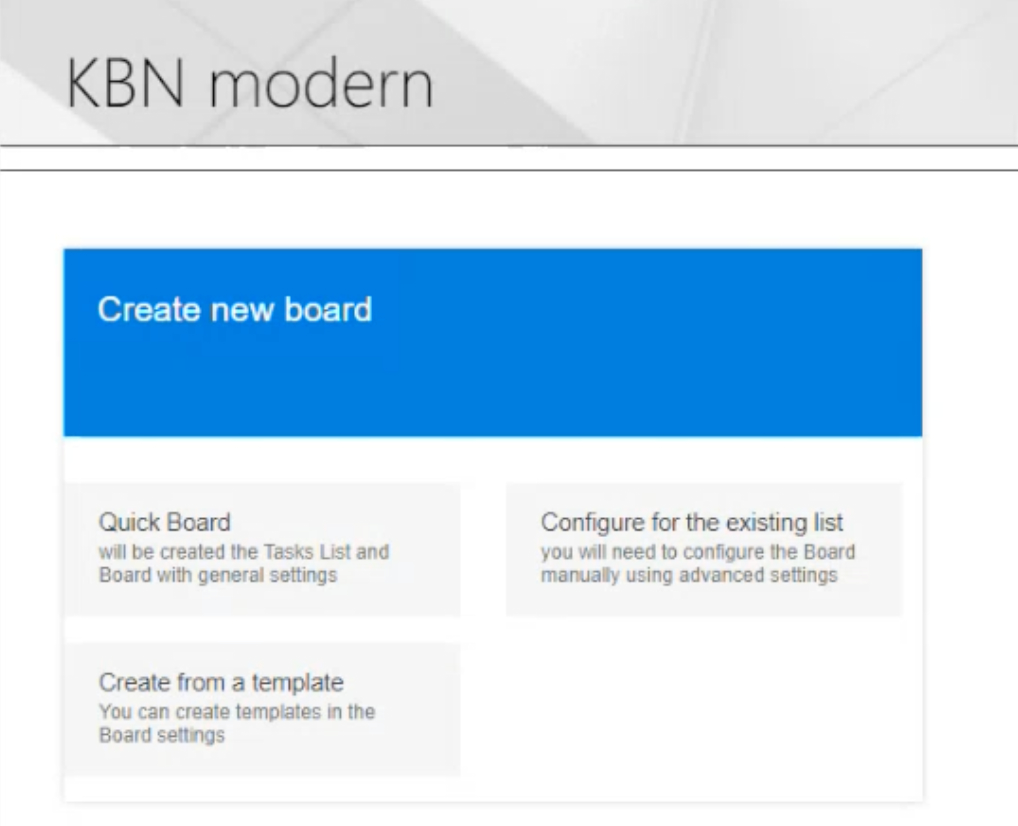
Once the Virto Kanban Board web part is installed, you can add it to a SharePoint site page within your site collection.
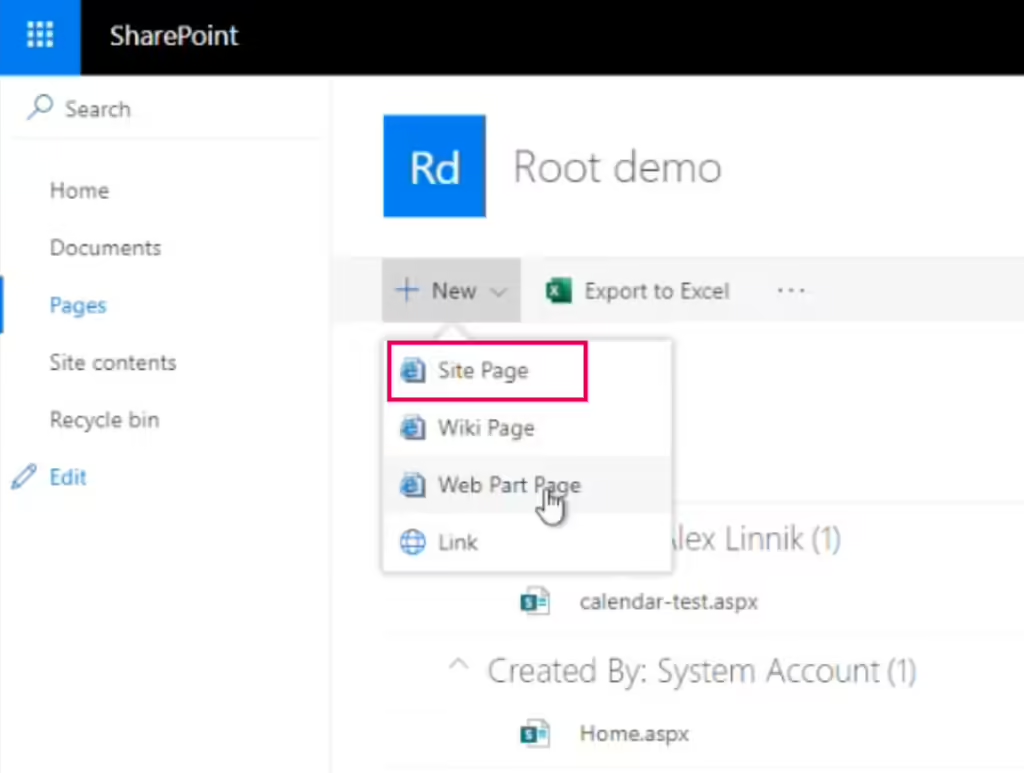
To create a modern page with a Virto Kanban board, click "New" and choose "Site Page."
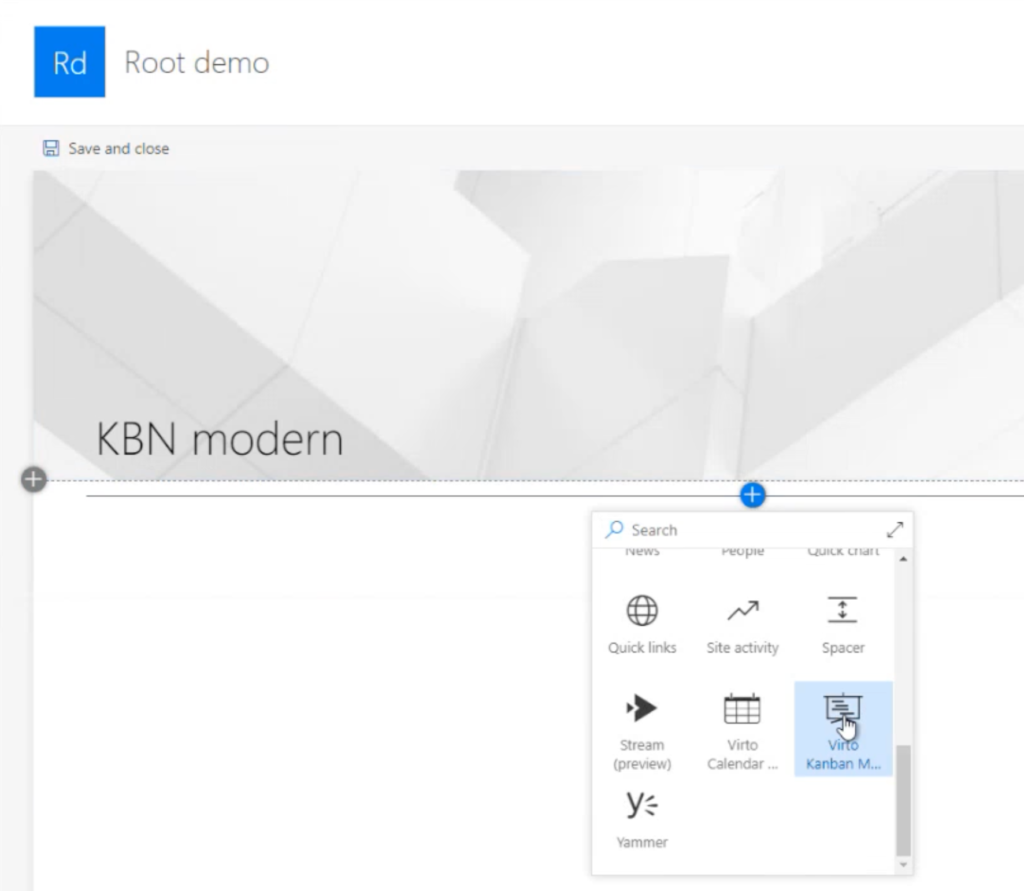
Next, give your site page a name, click "+", find "Virto Kanban Modern," and click its icon.
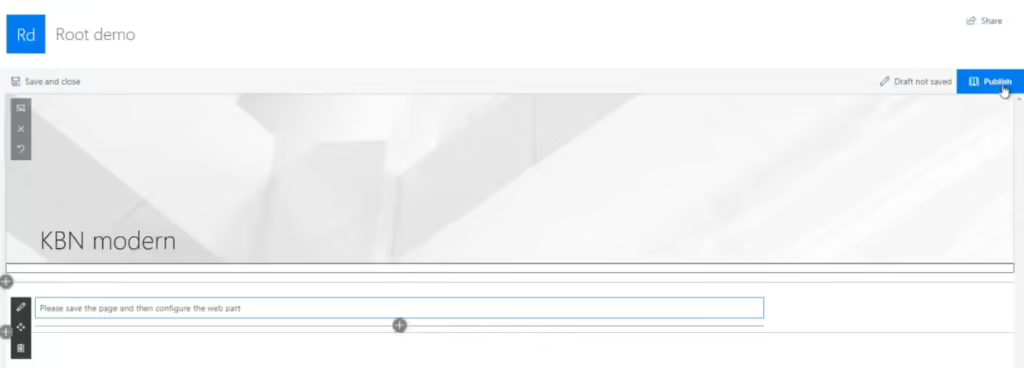
In the upper right corner, click "Publish."
Now you can create your first board!